
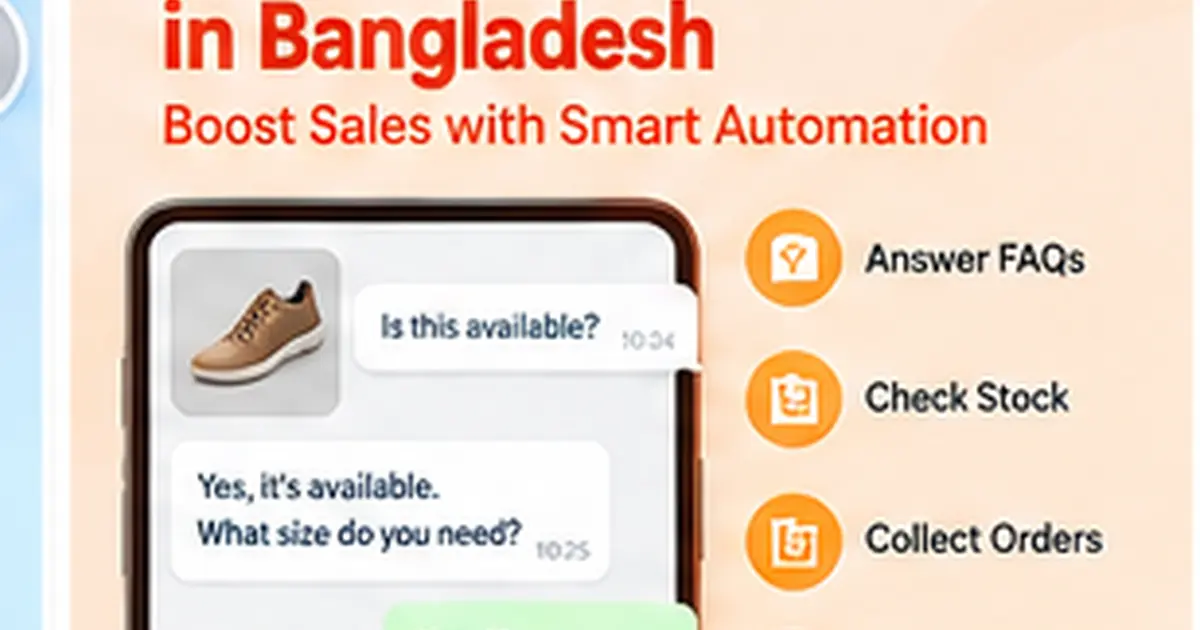
Many e-commerce businesses in Bangladesh sell through conversations.
A customer sees a Facebook or Instagram advertisement, asks for the price, checks color or size, asks about delivery and then confirms the order through chat.
This creates a huge amount of repetitive work for sales teams.
WhatsApp automation for e-commerce can handle many of these routine steps while keeping human agents available for the conversations that need them.
Common E-commerce Questions
Online sellers answer the same questions every day:
- What is the price?
- Is it available?
- Which colors do you have?
- What sizes are available?
- Is cash on delivery available?
- How much is delivery?
- Do you deliver outside Dhaka?
- When will I receive the product?
- How do I place an order?
Automation can provide consistent answers when the required business information is available.
Move from FAQ to Order
The important part is what happens after the question is answered.
A good e-commerce workflow should be able to move from interest toward an order.
Example:
Product inquiry → Product information → Customer wants to buy → Collect variation → Collect quantity → Collect customer details → Confirm information → Order workflow
This is much more useful than a chatbot that only sends FAQs.
AI for Natural Customer Messages
Customers often send unstructured messages.
For example:
"blue color 2ta lagbe, mirpur delivery"
AI can help interpret the message and identify the product preference, quantity and location.
Structured logic can then check which required fields are still missing.
Use InboxWhats for E-commerce Automation
InboxWhats provides:
- WhatsApp API and QR connectivity
- shared inbox
- AI assistance
- visual flow builder
- forms
- agent assignment
- campaigns
- APIs
- webhooks
These tools can be combined into an e-commerce customer communication workflow.
Multi-Agent Sales
A growing e-commerce company may have several sales agents.
A shared inbox can help prevent:
- duplicate replies
- abandoned chats
- confusion over ownership
- lost follow-ups
Conversations can be assigned based on the team's process.
Automate Order Information Collection
Instead of agents typing the same questions repeatedly, automation can collect:
- name
- phone
- product
- size
- color
- quantity
- address
- delivery area
- notes
The business can then review or send the order data to another system.
Customer Support after the Sale
Automation is useful after purchase as well.
Customers may ask about:
- order status
- delivery
- exchange process
- product issue
- payment
- support
The system can identify the type of request and route it to the right person.
Use Approved WhatsApp Templates Responsibly
For WhatsApp Business Platform, outbound business messaging is subject to Meta's template, consent and pricing rules.
Businesses should:
- collect appropriate opt-in
- use approved templates where required
- respect opt-out requests
- avoid spam
- follow WhatsApp Business Messaging Policy
Automation should never be used as an excuse for unwanted messaging.
Campaigns and Follow-Up
When allowed under WhatsApp's rules and customer consent, businesses may use approved template messaging for suitable campaign and notification use cases.
Examples can include:
- order updates
- restock notifications
- service updates
- opted-in promotional messages
The exact cost depends on Meta's current pricing rules and the message category.
Connect to E-commerce or Order Software
InboxWhats provides APIs and webhooks for integrations.
Depending on the store setup, conversation data can potentially connect with:
- e-commerce website
- CRM
- ERP
- order management system
- delivery workflow
- custom software
The integration should be designed around the store's actual operations.
Use Automation for Facebook and Instagram Leads
InboxWhats also lists Messenger and Instagram support.
This matters because many Bangladeshi e-commerce businesses acquire customers through Meta ads before moving the conversation to WhatsApp.
A unified workflow can reduce channel switching for the team.
Do Not Automate Everything
Some conversations need a person.
Examples include:
- angry customer
- unusual product request
- refund dispute
- custom price
- large wholesale order
- sensitive complaint
The system should make agent handoff easy.
E-commerce Automation Metrics to Track
Track metrics such as:
- first response time
- inquiries handled
- order-intent rate
- completed order-data rate
- agent handoff rate
- abandoned conversations
- conversion rate
- support resolution time
These numbers help determine whether the automation is actually useful.
Frequently Asked Questions
Can WhatsApp automation collect e-commerce orders?
Yes. A structured flow can collect product and customer information and pass it to the next order process.
Can AI understand Banglish?
Many AI models can interpret mixed-language messages, but businesses should test the specific model with real customer examples.
Can multiple sales agents handle WhatsApp?
Yes. A shared team inbox can allow multiple agents to manage conversations.
Can WhatsApp automation connect with an online store?
It can when compatible APIs or webhooks are available and properly configured.
Is WhatsApp automation suitable for Facebook sellers?
It can be particularly useful for businesses that receive many social-commerce inquiries and need a more structured sales process.